
LIFT COMMUNICATION · LIFT-SIDE CONNECTION
Wireless
2/4-wire extension
4-group configuration
Use 4G IoT wireless communication to reach the duty side. This configuration has four intercom terminal groups in its product photo. Match wiring, intercom system and installation conditions to the actual unit.
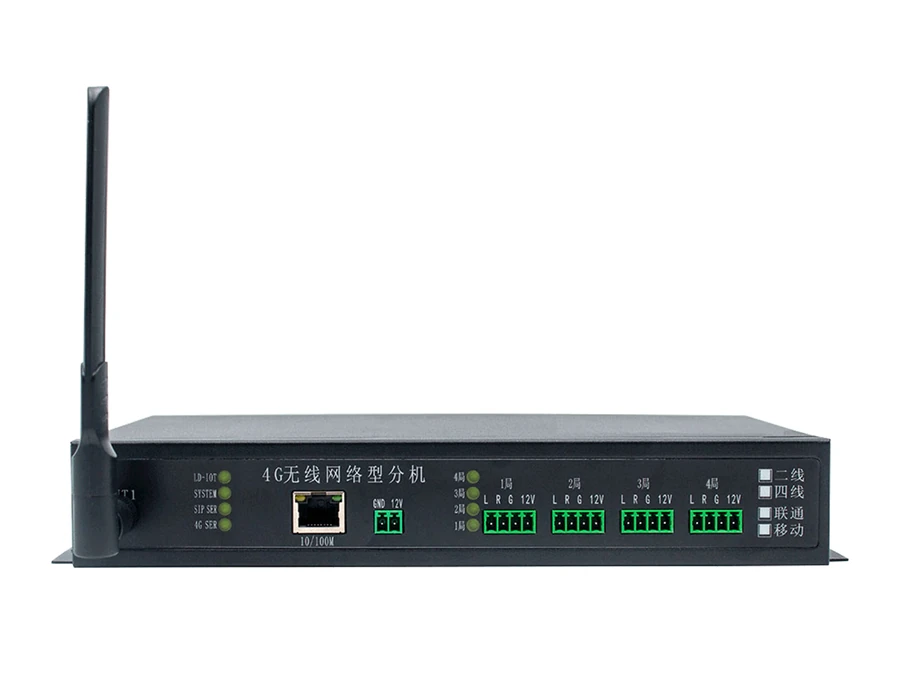
Check intercom groups and communication separately
Check wiring separately for all four intercom groups, then confirm wireless communication against operator coverage, accounts and the actual console configuration.
Intercom groups
Here, 4局 identifies the configuration with four intercom terminal groups. Check the intercoms, L/R/G/12V markings and 2-wire/4-wire version for each group.
Wireless communication
Confirm operator coverage, accounts and console communication. Operator boxes are unselected; check the separate purpose of the network port.
INTERCOM SYSTEM · CONNECTIONS
From the lift
to the duty station.
Lift-side intercoms connect to the duty side through a wireless extension and 4G IoT communication. Confirm site coverage, account and console configuration.
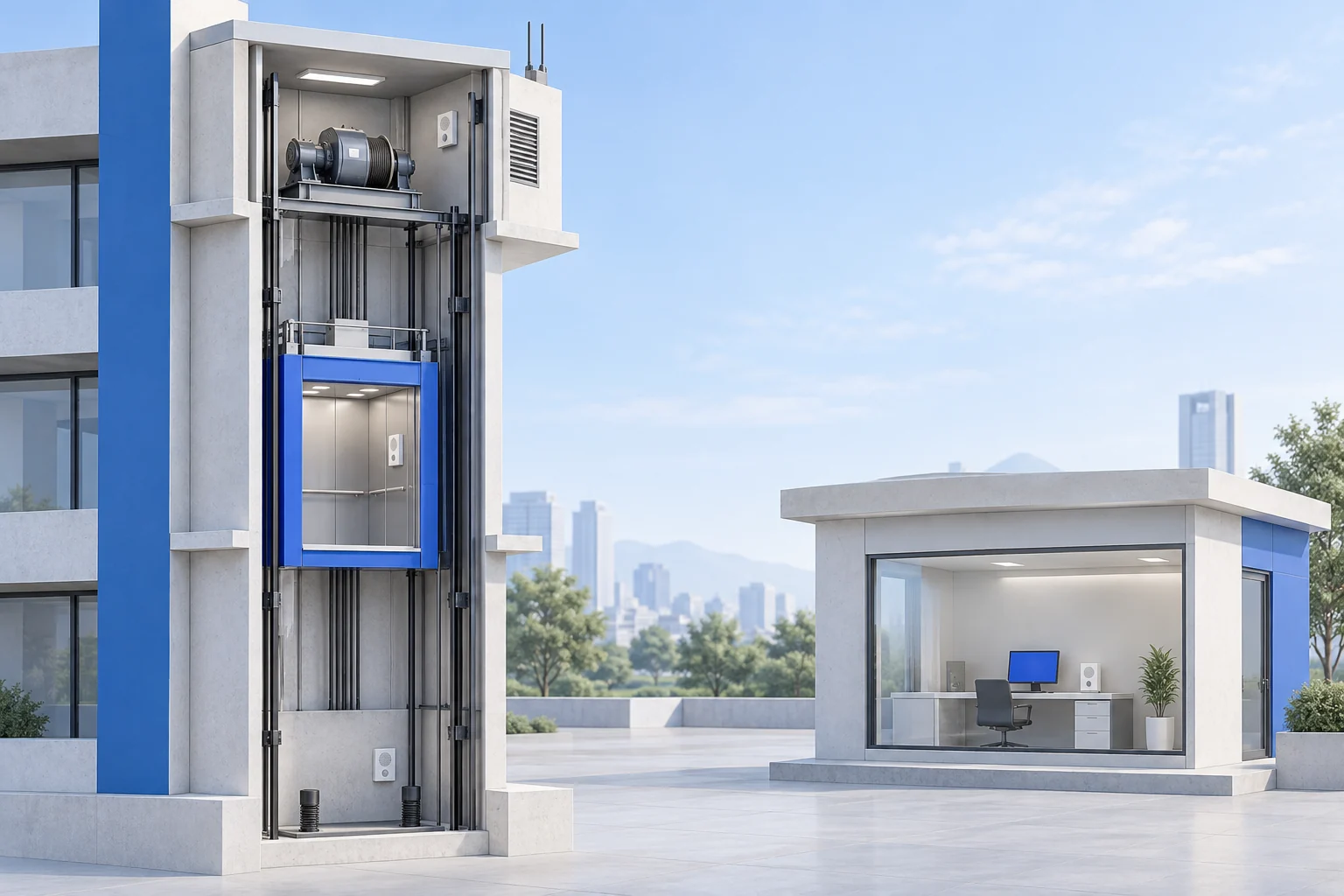
- AMachine-room intercom
- BCar-roof intercom
- CCar intercom
- DPit intercom
- 01
Lift-side intercoms
Machine room · car roof · car · pit
- 02
Wireless extension
This model: 4 terminal groups
- 03
4G IoT communication
Confirm operator, coverage and account
- 04
Duty station
Select the console for the setup
The four locations are intercom positions; this model has 4 intercom terminal groups. Location count and terminal-group count describe different things. The AI-generated scene is conceptual, not a product image or a terminal or installation wiring drawing.
Three checks before connection
Existing intercom model and wiring system; the terminal groups, supply and actual wiring; operator coverage, account and duty-console configuration.
Original wiring references
Chinese-language originals. Open when needed.
The image includes intercoms, power, an extension and different duty consoles. It explains the system relationship; confirm group counts and interfaces against this actual model.
The shared 4G introduction pictures one group at the top; its 1–4局 annotation describes a range of one to four groups. Use this model’s lead photo to locate and check all four groups.
CONFIGURATION & PARAMETERS
This model’s panel and configuration
Four intercom groups are visible in the lead photo. The product entry supports 4G communication; an RJ45 socket and 10/100M marking do not confirm additional network functions.
- Communication
- 4G IoT wireless communication
- Panel name
- 4G wireless network extension
- Configuration
- 2-wire / 4-wire; four intercom terminal groups (panel: 4局)
- Visible network ports
- One RJ45 port, marked 10/100M; confirm configured use
- Intercom terminal groups
- 1局, 2局, 3局, 4局; each group L, R, G, 12V
- Power terminals
- GND, 12V
Prepare site information by actual terminal group
Intercom records
Provide models, lift names and clear wiring photos for each of the four groups. Keep the photographed Chinese labels for cross-checking.
Communication conditions
Provide operator coverage, wireless-account conditions and the duty-console model.
Wiring system and power
Check the 2-wire/4-wire version, supply, polarity and location against the actual terminals.
MODEL & SITE FIT
Confirm the 4-group extension against wiring and communication
List intercoms, wiring and lift names by groups 1–4. Provide operator, installation coverage, duty-console and power information.