
Unified mobile service portal
IPAOne entry to everyday services
Organize meeting, visitor, vehicle, dining, asset and repair services through a unified mobile portal. Connect PXAIOC platforms and project-specific implementation to provide services on the move.
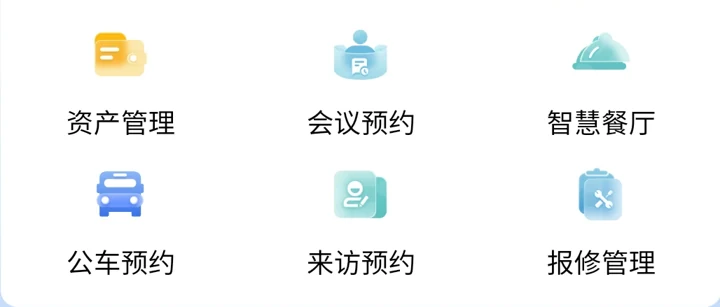
The portal provides entries. Business platforms own services.
Everyday services
Organize meeting and visitor bookings, fleet services and dining-time guidance around everyday needs.
Assets and equipment
Connect asset management and repair entries, with records and processing owned by the corresponding business platforms.
Identity and access
Coordinate plate recognition, vehicle and access services within confirmed identities, periods and permissions.
Product demonstration · Conditions and handoffs
Meetings and visitors need different conditions
The same internal user chooses different services. Compare entries, business objects, confirming owners and where to return for results.
MEETING-01For meetings, define resources and requester permissions.
The user wants to organize an internal meeting. The portal provides the service entry; the specific meeting platform owns rooms, time slots and application records.
Internal user A
Internal users review rooms, periods and applications through the meeting entry.
Resources and applications
Existing meeting-platform rooms, slots, availability and application records; organization identity comes from its system. Handle unavailable rooms or missing requester rights under that platform’s rules.
- Prepare information
- Meeting purpose, proposed time range, attendee count, room needs and internal organization/requester information. These are preparation fields, not a reservation or fixed approval rule.
- Confirming owners
- The proposed receiver is the meeting-resource/service owner. Confirm whether review is required, who confirms it and how participants receive updates.
- Return and recovery
- Propose a return to meeting applications/records and resource decisions, or contact the meeting administrator. Reaching an entry does not mean a room is booked; define cancellation, conflict and unaccepted-request next steps.
Review applications and resources from the meeting entry, then follow confirmation results.
VISIT-01For visitors, distinguish booking from entry permission.
The same internal user proposes hosting an external visitor. Internal host identity differs from visitor information; visit applications and vehicle/access permissions are separate backend objects.
Internal user A
Hosts organize visitor information and reception through visitor services.
Visits and reception
Connect vehicle and access services through visitor applications and reception records.
- Prepare information
- Visit purpose, host and proposed arrival period; supply required plate material only if a vehicle is involved. Limit preparation to necessary data; enter no real personal/vehicle information here.
- Confirming owners
- Proposed receivers are visitor-management and reception-confirmation owners. Define vehicle/access authorization separately; host confirmation is not blanket entry permission.
- Return and recovery
- Propose returning to visit applications and reception status, with separate vehicle/access conditions. Rejected, mismatched or unaccepted material needs a verification/contact entry; a booking does not establish entry permission.
Review reception information from the visitor entry and explore related vehicle and access-control services.
Prepare separate fields, platform owners and return entries for meetings and visitors.
Download work comparison CSVInterfaces and service ownership
Entries inside an individual service
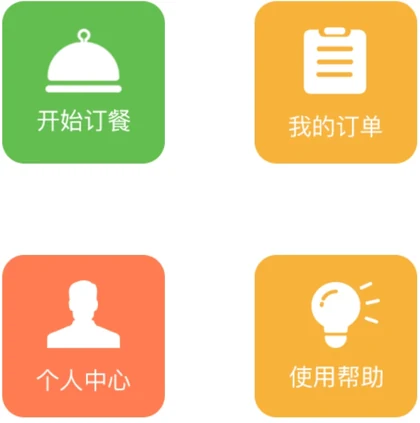
The dining original contains start-order, my-orders, personal-center and help entries. The portal provides entry points; individual platforms own records and rules. Confirm accounts, returned data and service handoffs for the project.
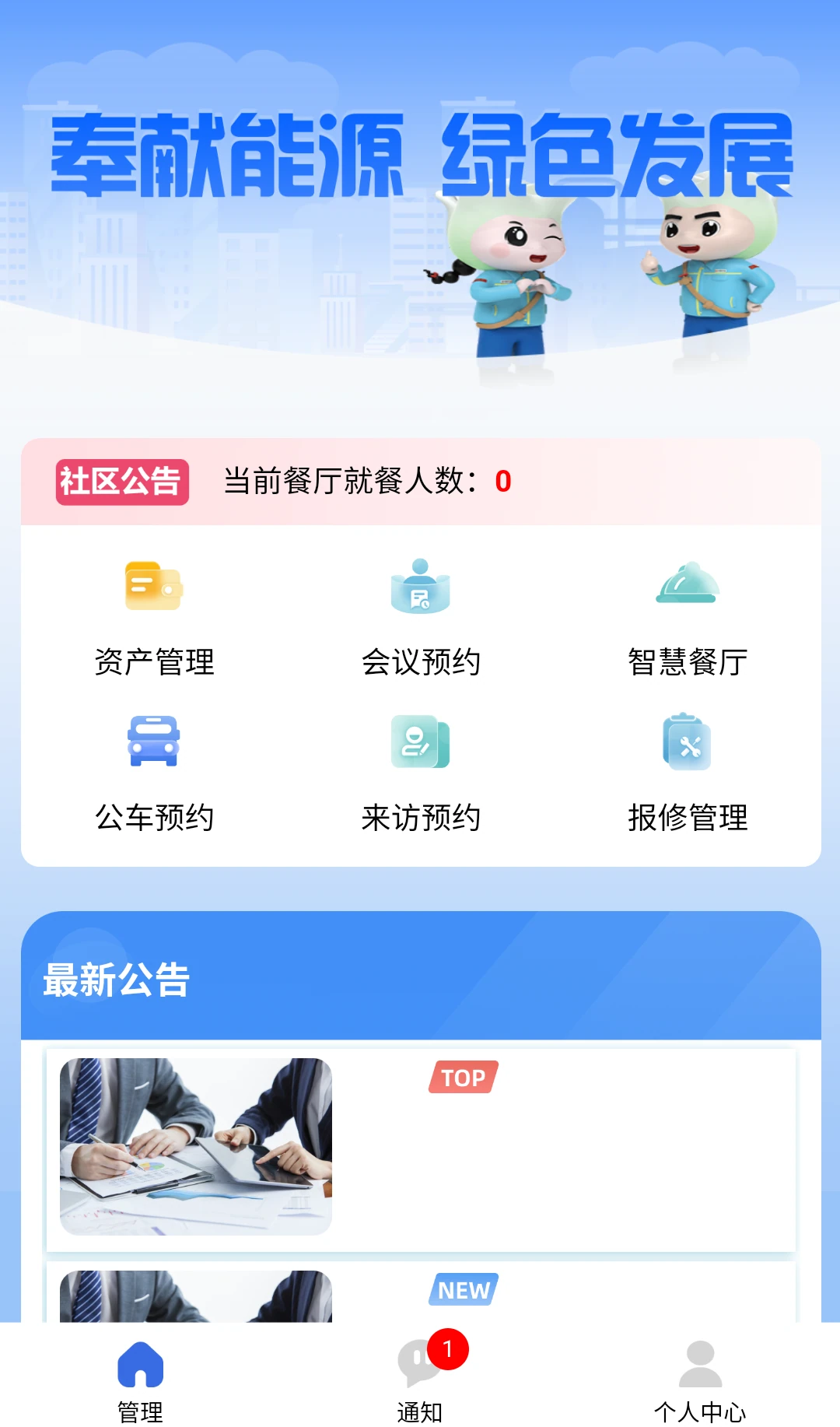
Arrange mobile entries around their users
Campus office services
Bring meeting, visitor, vehicle and dining entries together, identifying the platform and owner responsible for each.
Working with field maintenance
IPA serves everyday needs across user groups. Dedicated clients such as AMS-M organize field scans, inspection findings and maintenance handoffs.
IPA
Turn your service list into clear entry points
Share users, existing platforms and required mobile services to define entries, permissions and service ownership.