
Field inspection & repair client
AMS-MVerify the equipment. Hand over the finding.
Organize field work around identity checks, inspection findings, report material and feedback. Support reporting, categories, plan reminders, shifts and staff groups so field teams and responsible owners share a clear record.
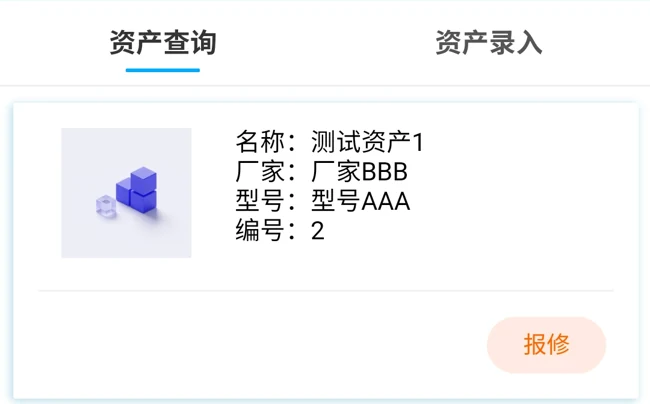
Bring field findings into the next task
Checks and inspections
Identify equipment against plans and rules, recording checks and findings. Retain manual verification when scanning is unavailable.
Reports and feedback
Support scan and back-office reporting with equipment, symptoms, attachments and categories, plus progress review and statistics.
Shifts and handoffs
Use shifts, staff groups, duty status and reminder conditions to support work arrangements. Confirm allocation and transfer through agreed permissions and rules.
Product demonstration · Conditions and handoffs
Three field situations. Three handoff priorities.
Circulation pump PUMP-07 is the planned object. Switch identity conditions to compare findings, receiving information and reasons to defer work.
Planned object · Circulation pump 07 PUMP-07
When identity matches, turn the finding into clear report information.
label PUMP-07 corresponds to the planned equipment.
Matched · Record the finding- Finding
- a pump joint is leaking. Record check items, time, symptoms and photos, retaining planned requirements separately from field findings.
- Report material
- After a leak is found during inspection, organize a report around equipment, symptoms and attachments.
- Receiving team
- pump-room team / day shift: review team and shift arrangements to see who takes over the work.
- Progress review
- Review report receipt, responsible people and handling feedback to follow progress.
Check rules and permissions
Confirm QR/register mapping, inspection-rule/plan version, fault categories, reminder conditions, today's team/duty status and reporting/handling/result-review permissions.
Planned object · Circulation pump 07 PUMP-07
When scanning is unavailable, retain identity checks and a reporting fallback.
the QR code cannot be read and the field label is PUMP-07. Compare the identifier, location and asset material manually.
Scan unavailable · Verify manually- Finding
- unusual noise occurs during operation. Record the identity basis, time, symptoms and attachments; use the agreed fallback when submission is unavailable.
- Report material
- Unusual-noise : organize equipment, symptoms and attachments through reporting.
- Receiving team
- facilities team: retain field records and hand them to the responsible people.
- Progress review
- Review supplementary records, responsible people and feedback to follow progress.
Check rules and permissions
Confirm manual checks, client/network availability, assisted-report authorization, attachment entry, duplicate handling, team and feedback rules.
Planned object · Circulation pump 07 PUMP-07
When identity differs, hand over the verification issue before further work.
The planned object is PUMP-07 but the field label is PUMP-09. Retain both identifiers and location photos, then resolve the equipment identity.
Mismatch · Defer binding- Finding
- the label differs from the planned object and the check is incomplete. Record the discrepancy and supporting material, then arrange further checking.
- Report material
- When equipment information differs, retain planned and field records for further review.
- Receiving team
- asset-record staff and inspection team: review equipment information and arrange follow-up.
- Progress review
- Retain equipment-information discrepancies and follow review and inspection results.
Check rules and permissions
Confirm label/register discrepancy handling, plan-edit permission, incomplete-item records, reviewer and today's team, plus re-report/transfer rules.
Prepare field records for each identity condition, retaining incomplete items, discrepancies and responsibilities to confirm.
Download work comparison CSVInterfaces and service ownership
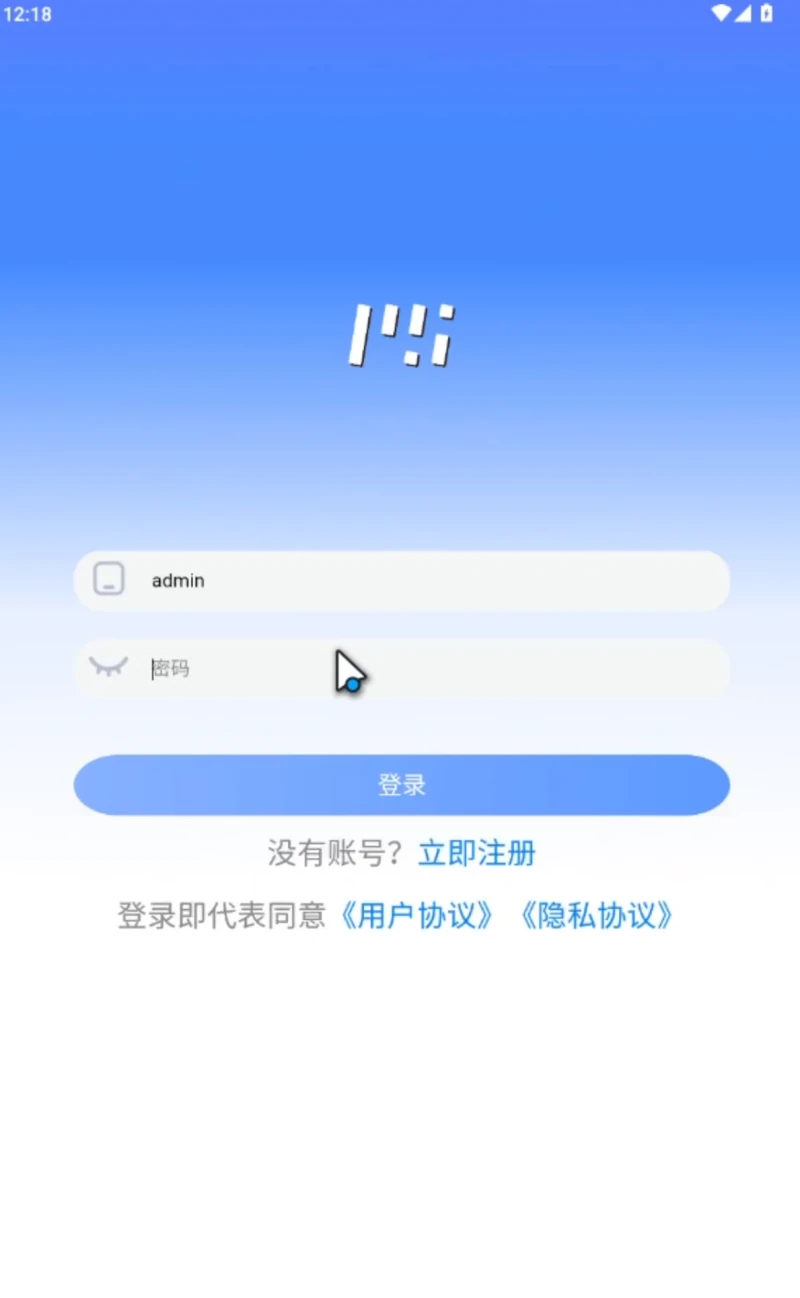
The mobile client account entry
The original login screen retains account, password and registration entries. Confirm actual client accounts, deployment, permissions and use scope for the project; website inquiries require no business account.
Field records and asset management have distinct roles
Inspections and exception reports
Start with equipment identity, plan requirements and observations. Retain information that the responsible people can review.
Working with PsAMS
AMS-M focuses on field checks, reports and feedback. PsAMS covers registers, asset accounting, plans and maintenance overall. Confirm actual data handoffs for the project.
AMS-M
Start with one finding and the handoff it needs
Share equipment, check rules, field conditions and responsible teams to define verification, reporting and feedback.